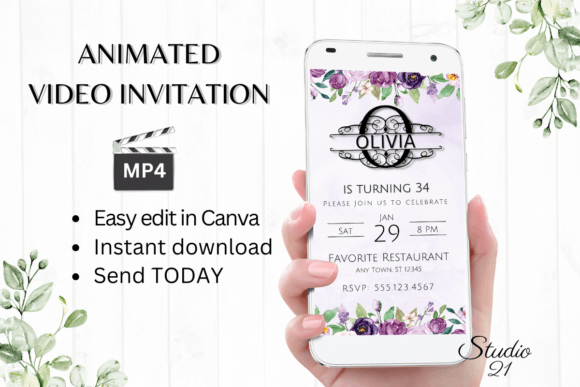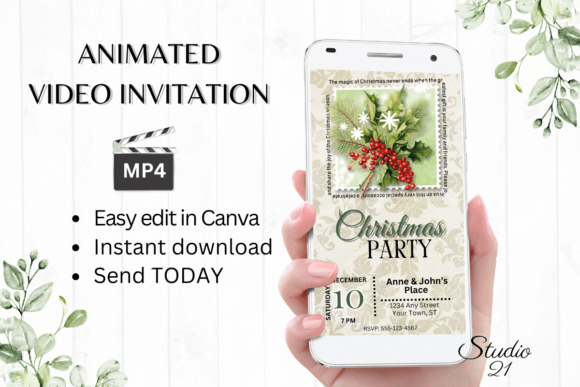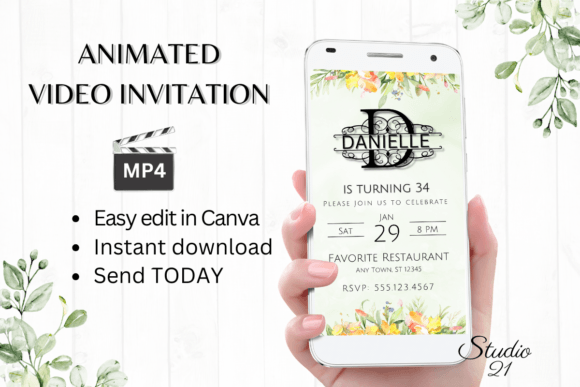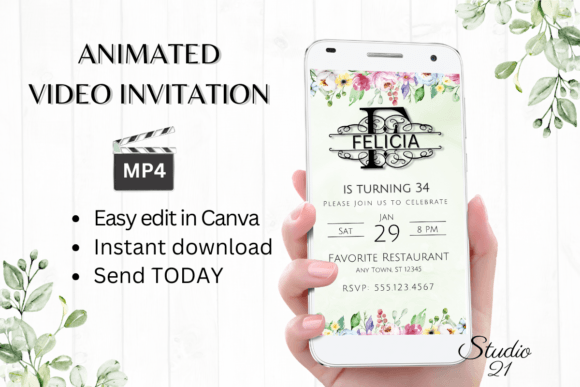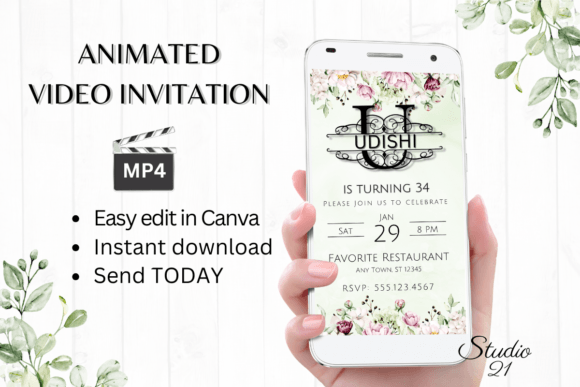
Birthday Invitation Monogram Letter U: Digital Animated Video Template
Creating a polished, engaging birthday invitation used to mean hiring a designer or wrestling with complex software. The Birthday Invitation (Monogram Letter U) Digital Animated Video Template changes that entirely. This isn't a static PDF or a generic card you print at home. It's a fully animated, editable video invitation you personalize directly in Canva, download as an MP4, and share instantly. The monogram letter U anchors the design with a sense of personal ownership, while the animation adds a layer of sophistication that static invitations simply can't match.
A Design Built Around Personalization and Movement
At its core, this template leverages the visual weight of a monogram letter U as a central design element. Monograms carry a sense of formality, tradition, and identity. When you center an invitation around a single letter, you're signaling that this event belongs to someone specific. The animated component takes that further. Subtle motion draws the eye, keeps the viewer engaged longer than a flat image would, and communicates that thought and care went into the invitation itself.
The template operates at 1080 x 1920 pixels, a portrait orientation optimized for mobile screens. That's a practical choice. Most people open invitations on their phones, whether through a text message, WhatsApp, or social media DM. The vertical format fills the screen without requiring zooming or scrolling, which means your guests see the design exactly as intended. The animation plays automatically in most messaging apps, creating an immediate visual impact the moment someone opens the message.
How the Editing Process Actually Works
There's no software to install, no fonts to download, no design degree required. The template lives inside Canva, accessible through a simple link included in your PDF download. Once you open it, you have full control over every text element. Change the wording to fit your event. Swap font styles, adjust colors, resize text. If you want to delete a line of text that doesn't apply to your party, go ahead. If you want to add an extra detail like a dress code or RSVP instruction, that's equally straightforward.
The animation itself is also editable. You can modify the motion effects if the default timing or style doesn't suit your taste. This level of control matters because not every birthday celebration has the same tone. A first birthday party for a toddler calls for different energy than a milestone 40th or a casual backyard gathering for a friend turning 30. The template adapts to those different contexts without requiring you to start from scratch.
Once you're satisfied with the design, downloading as an MP4 takes a single click. That file is then yours to distribute however you see fit. Send it via text message, drop it into a WhatsApp group chat, attach it to an email, or share it through Messenger and iMessage. The file format is universally supported, so you won't run into compatibility issues regardless of what devices your guests use.
Where This Template Fits in a Broader Design Workflow
For creative professionals, entrepreneurs, and small business owners, a template like this serves purposes beyond personal birthday parties. Consider a boutique event planning business that wants to send branded invitations to clients. The monogram letter U can represent a client's initial, and the animated format elevates the perceived value of the service being offered. A baker promoting a grand opening or anniversary event could use this template to create invitations that reflect the care and attention they put into their craft.
Content creators and bloggers who host meetups, launch parties, or subscriber appreciation events will find the animated format particularly useful. Video content consistently outperforms static images in engagement metrics across social platforms. An animated invitation shared as a story or reel format has the potential to reach a wider audience than a traditional card ever could. The modern typography and clean design language of this template align well with the visual standards audiences expect from professional content creators.
For designers and marketers evaluating the template as a design asset, consider how the monogram concept translates to brand identity work. A monogram is one of the oldest forms of logo design, and presenting it in an animated format bridges traditional branding with contemporary digital communication. If you're building a brand identity for a client who values elegance and personalization, studying how this template handles the monogram letter U can inform your own approach to packaging design, editorial design, and social media graphics.
Practical Considerations for Getting the Most Out of This Template
Before committing to any digital download template, it's worth thinking through a few practical points. First, evaluate whether the animation style matches the mood of your event. Animated invitations work beautifully for celebrations, but if your gathering is extremely casual or intimate, the added motion might feel like more than the occasion warrants. Test this by previewing the template in Canva before finalizing your edits.
Second, pay attention to readability. Animated text can sometimes be harder to read than static text, depending on the speed and style of the motion. After you personalize the template, watch the full animation loop at least twice on your phone screen. Make sure the essential details like date, time, location, and RSVP information are easy to catch on a single viewing. If something feels too fast or too subtle, adjust the text effects or animation timing in Canva until the balance feels right.
Third, consider your distribution method. If most of your guests are in a single WhatsApp group or family chat, the MP4 download and direct share approach is the fastest route. If your guest list spans multiple platforms and includes people who prefer email, Canva also provides a shareable link that works in a browser. The included user guide walks through both options step by step.
Color accuracy is another detail worth noting. The template's colors may appear slightly different depending on the device and screen settings of each recipient. This is a limitation inherent to digital displays rather than a flaw in the template itself. If color precision matters for a particular event theme, consider testing the final MP4 on two or three different devices before sending it out broadly.
Why Animated Invitations Are Becoming the Standard
The shift toward animated, video-based invitations reflects a broader trend in how people communicate visually. Static images compete for attention in crowded feeds and message threads. A short, well-designed animation breaks through that noise. It signals effort without requiring the recipient to read a lengthy message. The Birthday Invitation (Monogram Letter U) template taps into this shift by combining the timeless appeal of monogram design with the immediacy and engagement power of animation.
For anyone planning a celebration, whether personal or professional, this template offers a practical middle ground between hiring a designer and settling for a generic e-card. The editing is intuitive, the output is polished, and the distribution is instant. That combination makes it a genuinely useful tool rather than just another design asset sitting unused in a downloads folder.